Starting viewport
Pollen Robotics · hand
AmazingHand
Fully 3D-printable 8-DOF four-finger humanoid hand with all actuators inside the hand, designed for Pollen's Reachy2 wrist but adaptable.
Frames · AmazingHand
7 items · credit and license on each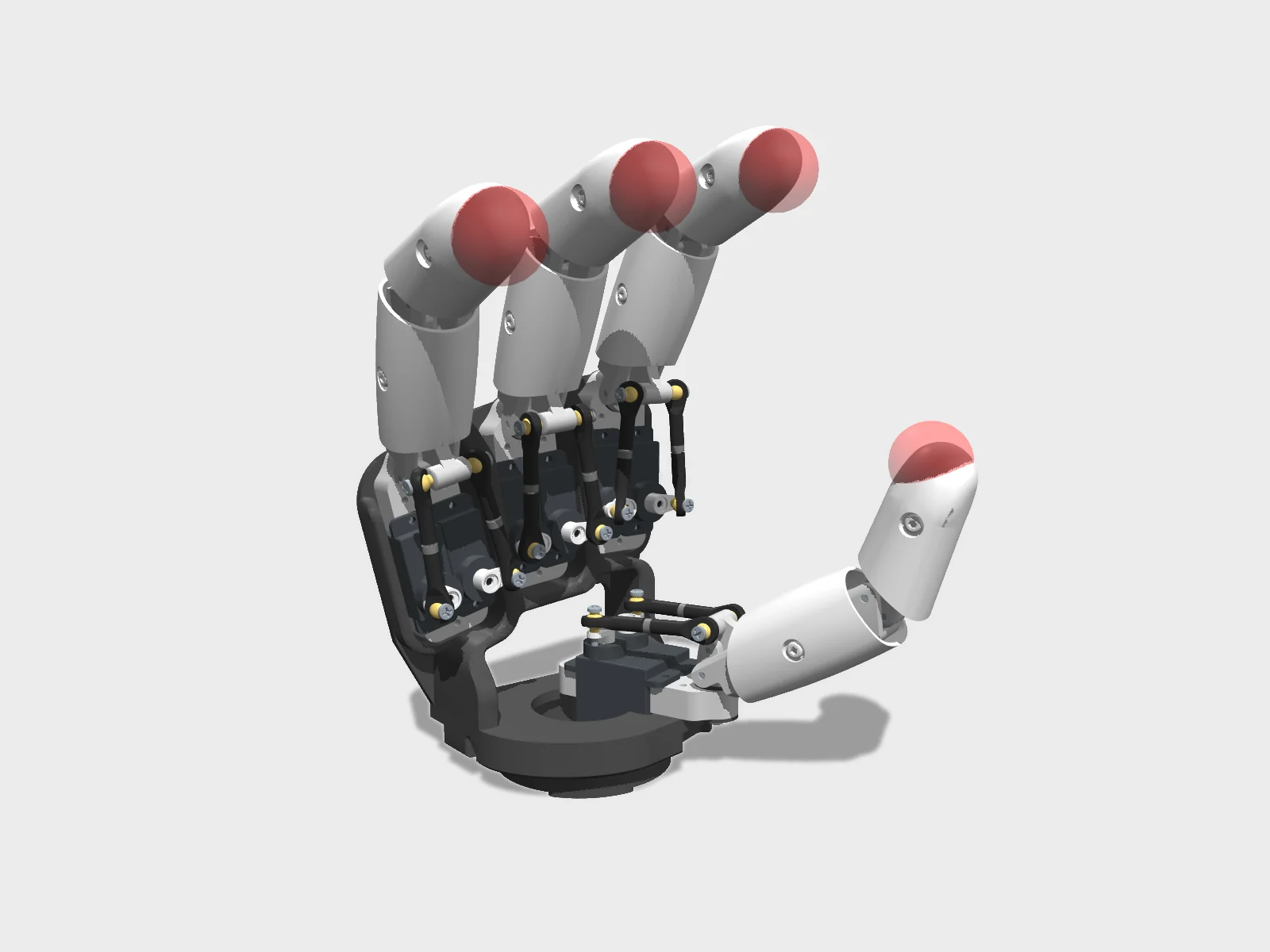
Studio render of the published MJCF, keyframe pose from the model. Geometry only; colours are the model's own materials.Rendered by Hyperspawn from pollen-robotics/AmazingHand (Apache-2.0) · Hyperspawn render · source 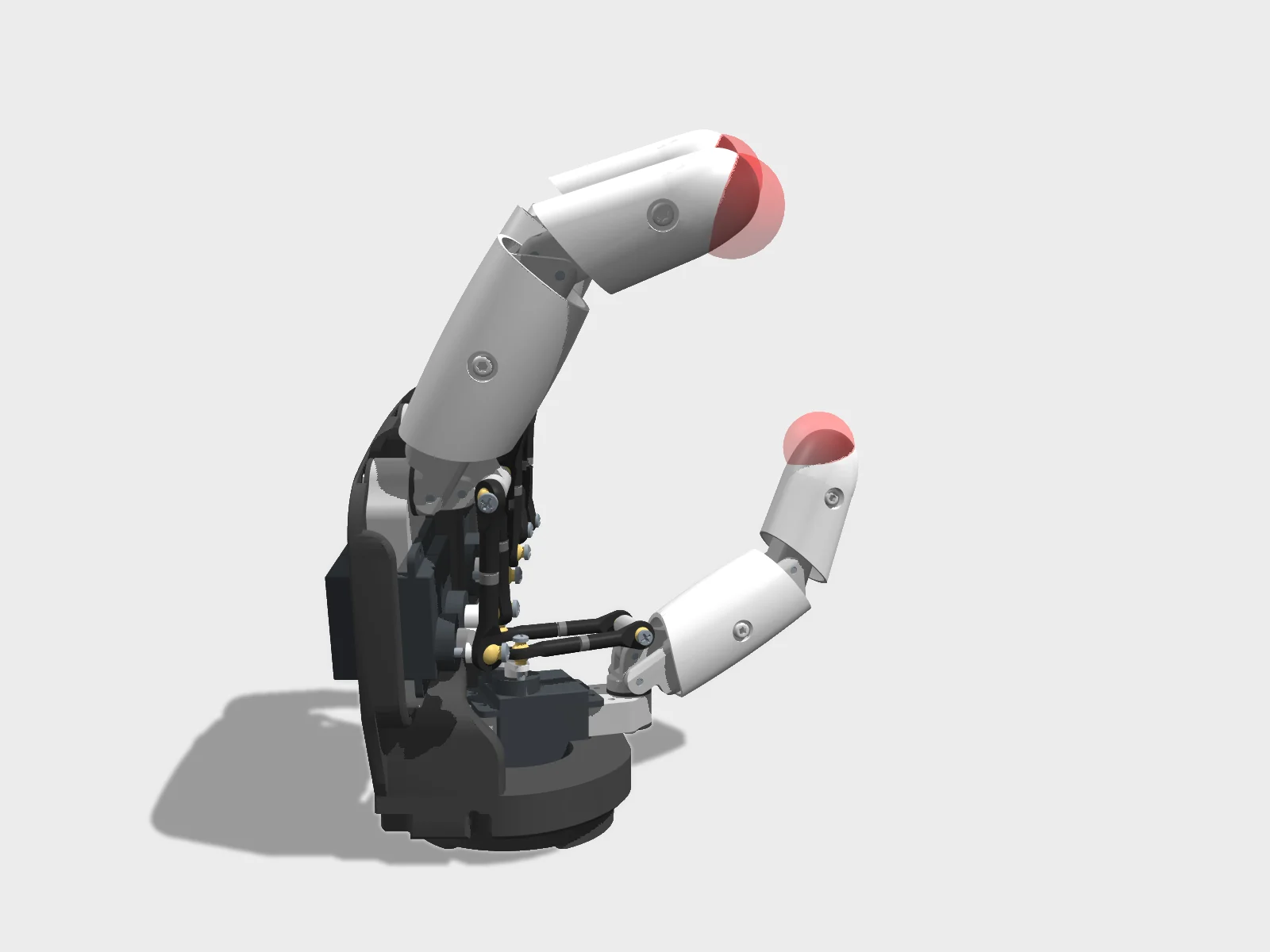
Side view of the same MJCF render, keyframe pose from the model.Rendered by Hyperspawn from pollen-robotics/AmazingHand (Apache-2.0) · Hyperspawn render · source 4 s turntable of the MJCF studio render.Rendered by Hyperspawn from pollen-robotics/AmazingHand (Apache-2.0) · Hyperspawn render · source 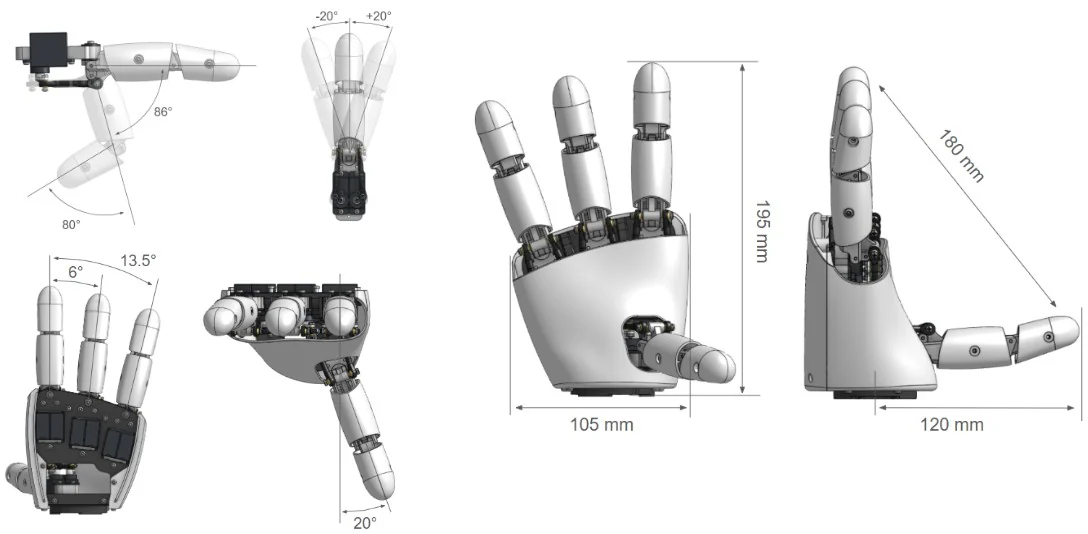
Overview drawing from the AmazingHand README.Pollen Robotics (AmazingHand) · Apache-2.0 · source 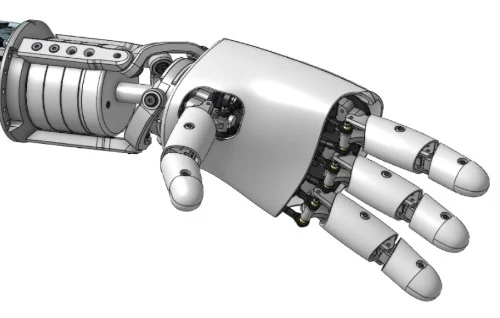
From the AmazingHand README.Pollen Robotics (AmazingHand) · Apache-2.0 · source Amazing handPollen Robotics · official embed · source


+1 more on humanoidrobots.systems/pollen/amazing-hand
Provenance
No browser-ready model packaged yet.
The description is public, but nobody has pinned a commit and checked it compiles in MuJoCo WASM. Clone it and drop the folder on the viewport above (MJCF, or URDF with STL/OBJ meshes). Files stay in your tab.
Policies listed for AmazingHand
No published policy we can replay yet.
Nothing is playing a trained controller in the viewport above. What you see is a PD hold on the stand pose, computed in your tab. A policy plays here when a checkpoint is published with an obs/action contract we can reproduce exactly in MuJoCo, and it passes a 30 s walk test in the tab.
Set up a training runTrain on GPUs
mjlab ships no stock task for AmazingHand. The training page gives you the pinned model and the steps to write a robot config.